
I thought SATA SSDs were dead, but running my OS on one proved otherwise
For the longest time, the allure of NVMe drives has always been their speed and responsiveness. And sure enough, most PCIe Gen 4 and Gen 5 drives deliver comfortably on that promise. However, “speed” means different things depending on what part of the OS experience you’re actually measuring. There’s a difference between how quickly your PC gets you to the desktop and how quickly it can move a 40GB file from one place to another. When it comes to the former, a well-chosen SATA SSD can pleasantly surprise you. After running my own OS on a SATA drive for the past few weeks, I must confess, I’ve become considerably less bothered about where I install Windows 11. Here’s why it matters.
Related
SATA SSDs are the smartest budget upgrade nobody talks about anymore
They are fast enough for most workloads, and more affordable at high capacities
SATA SSDs are more than fast enough to boot your OS
The difference only comes down to a few seconds
There seems to be a prevailing assumption amongst users that NVMe drives crush their SATA SSD counterparts in every single benchmark. While there’s certainly some truth to it, the difference depends exclusively on what you’re actually measuring. In that sense, booting an OS and transferring large files from one folder to another aren’t comparable workloads. When you boot into Windows, it requires thousands of small, random reads happening in rapid succession. DLLs, drivers, registry clusters and service binaries boot in a specific order to get you into the Windows shell. This isn’t measured by the sequential throughput that’s often advertised on the box your SSD arrived in, because it has nothing to do with the process. Boot times, on the other hand, depend on random IOPS and latency. That’s exactly why SATA SSDs, despite trailing NVMe drives on sequential transfers, still deliver satisfactory random read performance. For example, a common SATA consumer SSD such as the Crucial MX500 sits comfortably at up to 95,000 random read IOPS. Now, to be fair, even that figure isn’t anywhere near what a standard Gen 4 NVMe drive can post, but it doesn’t need to be, especially since the Windows boot sequence doesn’t generate enough concurrent random I/O to make the gap palpable.
So how much faster is an NVMe, really?
Much faster, but not in the way you can perceive 90% of the time
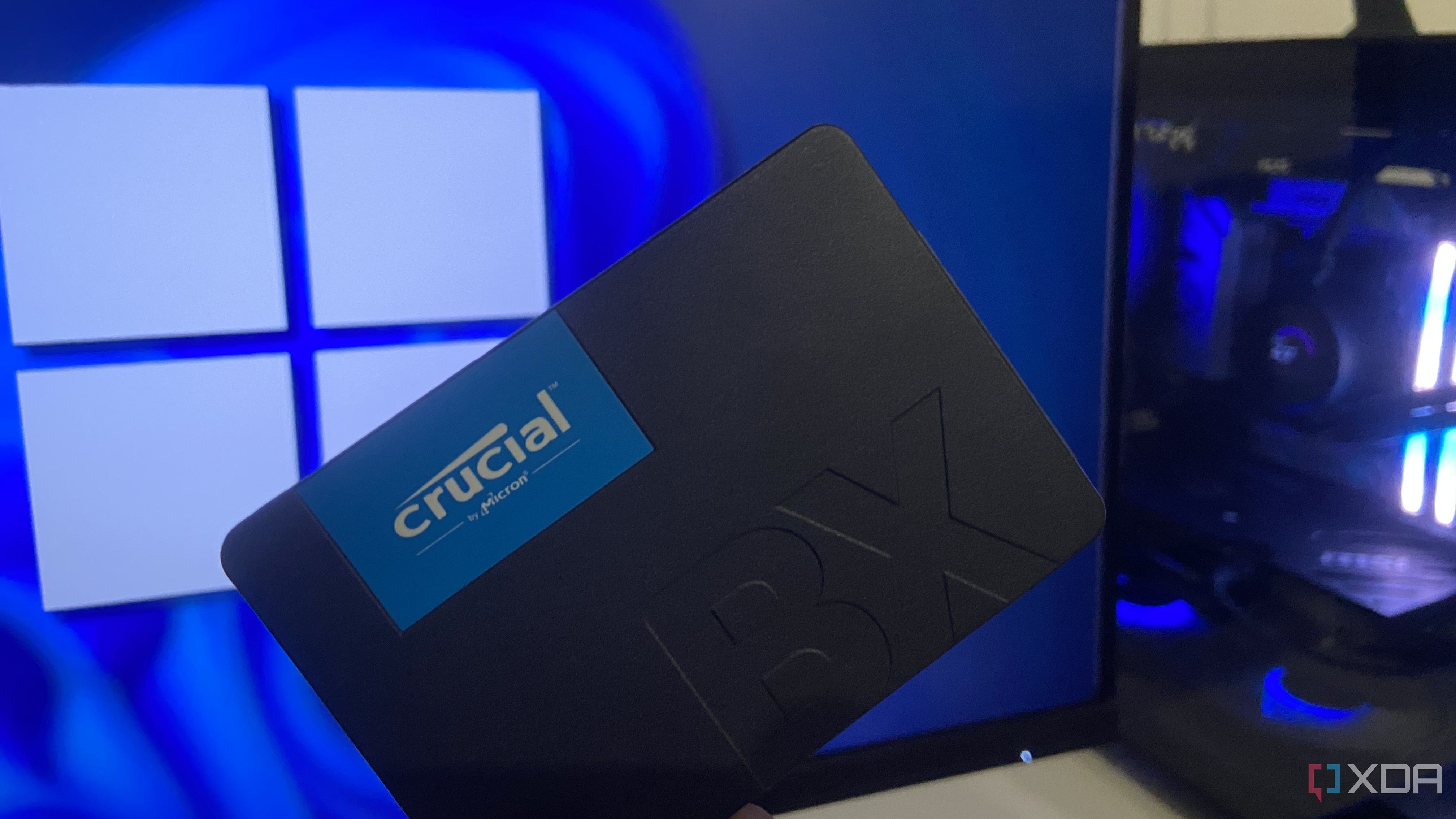
Curious to find out the difference, I tested this directly on my system. A cold boot on a Crucial T500 Gen 4 M.2 NVMe drive took 9 seconds to get to Windows, measured from power-on to a usable desktop. Under similar conditions, the same Windows 11 install running from a Crucial BX500 SATA III SSD landed at 14 seconds. The entire gap comes down to a difference of 5 seconds, largely because it has nothing to do with the sequential speed advantage that makes an NVMe look ten times faster. Needless to say, the experiment acted as a reality check. It’s also worth noting that the same pattern holds true for application and game load times, and if you’ve been following my commentary, you’ll know that load times are dictated far less by sequential throughput and more dependent on random I/O, decompression speed, and the overhead baked into how legacy I/O stacks handle thousands of tiny file requests. A flagship Gen 5 NVMe boasting speeds up to 15,000 MB/s means very little when your CPU can decompress assets only at a fraction of that speed. Boot times and load times, in that sense, are the same story told twice.
Related
5 mistakes to avoid before you decide to buy a new SSD
Choosing the right SSD isn’t just about speed. Avoid these 5 costly mistakes to ensure performance, longevity, and value for money.
NVMe drives are have become a lot more expensive
But are they worth the premium over SATA?
Whether or not an NVMe is worth the premium over a standard SATA III SSD is the question that beckons itself, and to be honest, the one which the experiment has been building towards. It matters now more than ever before, especially if you consider the economic position the PC hardware industry currently finds itself in. NAND prices have climbed to a point where paying roughly three or four times the sticker price for an NVMe drive over its SATA equivalent has become the new normal, so naturally, one begins to question whether it’s the best time to invest in an NVMe, particularly those who are building a PC from scratch. Part of the answer depends strictly on your workload. If you’re frequently handling write-intensive workloads such as high-resolution video editing, virtualization, sandbox testing or shuffling large datasets on a regular basis, then it’s certainly advisable to invest in an NVMe drive. The faster drive you can afford, the better. Sequential throughput matters considerably more when you’re moving data at scale rather than booting into the OS, browsing the internet, or gaming.
For almost everyone else, the table below makes the actual cost of the decision a rather worthy consideration. A five-second difference in boot time for over four times the price is not a trade most workloads will even come close to justifying. Unless your use case specifically demands it and will be effectively paralyzed without an NVMe, a SATA SSD will not hold you back in any way that matters day to day.
Storage Device
Capacity
Boot Time
Retail Price (2026)
Crucial T500 Gen 4 M.2 NVMe
1TB
9 sec
$369
Crucial BX500 SATA III SSD
1TB
14 sec
$81
It isn’t the best time to buy an NVMe right now
NVMe drives are the undisputed champions of storage performance, and we’ve been led to believe so for a long time, ever since M.2 drives became commonplace. But if the experiment shows anything, it’s the fact that raw speed isn’t the same as perceived speed. Losing four or five seconds while loading assets or booting into the drive will not bother most users who don’t have a particularly write-heavy workload, but losing $300 or more on an inflated NVMe can be quite inconvenient. Unless it’s an absolute necessity, it’s best to hold off on buying more NVMe storage, because honestly, there’s not a lot to lose even if you run your entire OS on a SATA drive.
Storage capacity
1TB
Sequential read
540 Mb/s
Ever wonder why your phone responds faster than your computer? It’s because your phone runs on flash memory. Add flash to your laptop or desktop computer with the Crucial BX500 SSD, the easiest way to get all the speed of a new computer without the price. Accelerate everything.
Diterbitkan : 2026-07-03 11:00:00
sumber : www.xda-developers.com