
I tested what a $400 NVMe does that an $80 SATA SSD can’t, and the list embarrassed me
If you skim through PC building guides long enough, you’ll find that the rules of storage plainly state that you should get NVMe drives if you can, but go for SATA only if you have to. At this point, it has become standard practice to the point that a build isn’t even considered complete without a populated M.2 slot. The problem with standard practices, however, is that no one bothers to correct them, nor does anyone dare challenge them. And in a storage economy that’s as volatile as the one we are witnessing right now, this assumption can delay builds or hurt wallets. So, I decided to put the storage hierarchy on trial. A few weeks ago, I ran my OS from a 2.5-inch SATA drive, timed it, gamed on it, and hunted for the specific moments where it was supposed to feel like a “downgrade”. Here’s what I found, or rather, what I didn’t.
Related
5 mistakes to avoid before you decide to buy a new SSD
Choosing the right SSD isn’t just about speed. Avoid these 5 costly mistakes to ensure performance, longevity, and value for money.
SATA SSDs are not “too slow” for a modern PC
They’re fast enough exactly where it matters
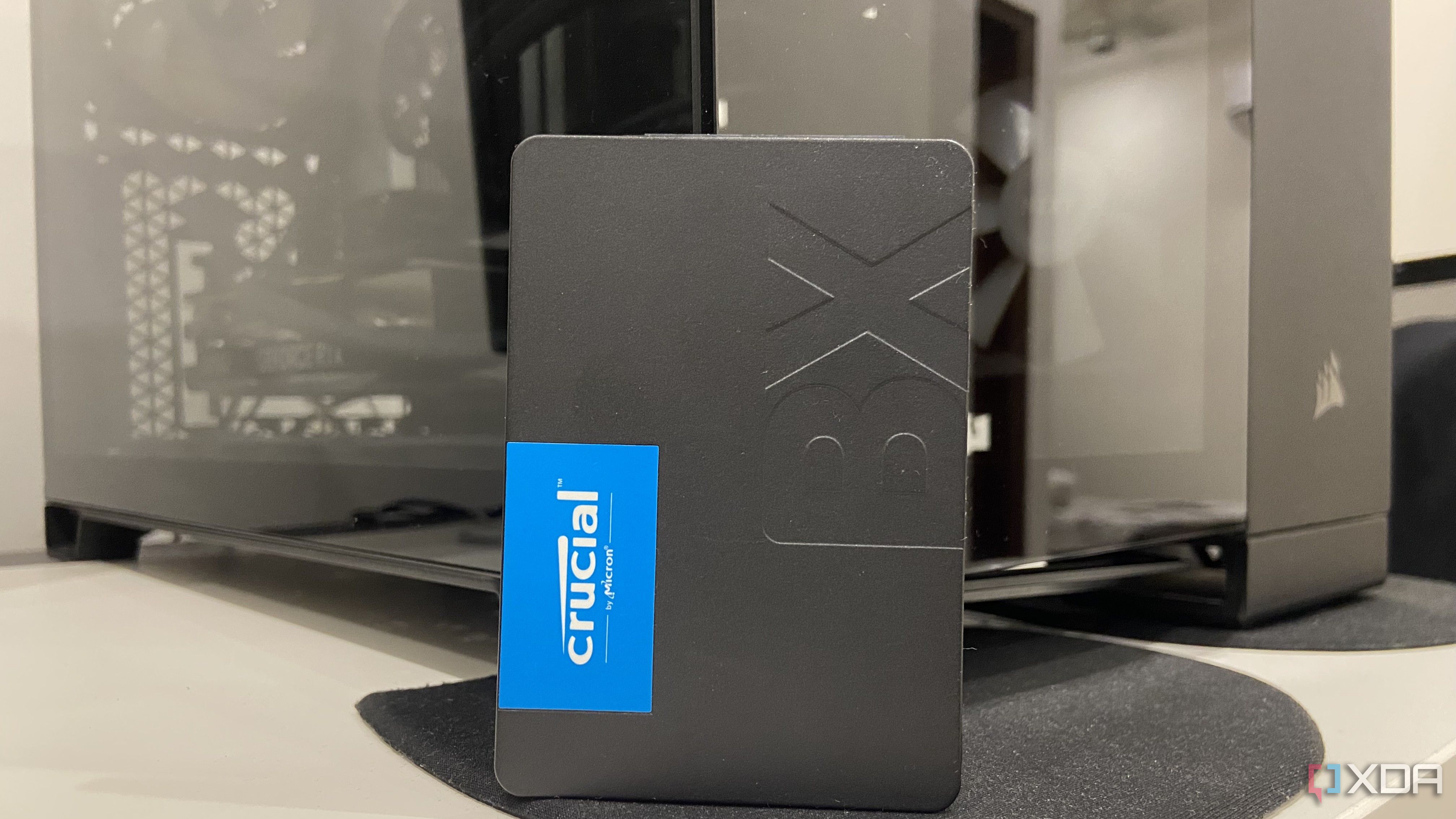
When it comes to speed, most users will often take a cursory glance at their respective drive’s sequential speed and convince themselves that they’re looking at the speed limit of their PC. They’d perhaps read that SATA III caps out at around 550MB/s while a Gen 4 NVMe advertises 7,000MB/s and a Gen 5 NVMe offers double that. The problem with looking at it this way is the fact that almost nothing you do on a PC resembles a sequential transfer. Booting into your OS, launching apps, fetching files, loading games are storms of small, random reads, and random I/O is what determines how quickly these tasks happen. A common 2.5-inch SATA drive, say, a Crucial MX500 posts up to 95,000 random read IOPS, while a standard Gen 4 NVMe posts between 650,000 and 1,500,000 IOPS. And yet, the NVMe will only ever beat the SATA drive in loading the OS by a matter of seconds. I’ve had a chance to test this directly. A cold boot from my Crucial T500 Gen 4 NVMe took about 9 seconds to get into the OS, while the same install on a Crucial BX500 SATA drive took 14. This means that, given the current storage economy, you’d be paying roughly five times the price of a SATA SSD towards an NVMe to get where you want to be on your desktop about four or five seconds earlier. So, unless you’re shuffling 80GB video projects between one drive to another, it’s safe to say that the difference in your experience will be negligible, as mine certainly was, despite going from an NVMe to a SATA drive.
No, NVMe drives don’t “cut game load times by half”
Exaggerated to the point of total deceit
To see the blatant misinformation in this myth, you’d have to understand what a game’s loading screen is, and what’s happening in the background. When an app or a game is loading, the drive isn’t streaming one big file into active memory. The engine is requesting hundreds and thousands of small assets scattered across the drive, such as textures, models, shaders, audio and almost all of it arrives in a compressed format, simply because shipping these assets uncompressed would quadruple the installation size. Each of these assets must be decompressed by the CPU before it becomes usable, then unpacked into the system memory and VRAM in the right order. The drive only ever dictates the pace of the first leg of this relay race. I was curious enough, regardless, to check the difference between game loads on the same system from both my drives, including a Crucial BX500 on SATA and a Crucial T500 on PCIe Gen 4, loading into the same save file. I found that the NVMe, with roughly thirteen times the sequential bandwidth, on average, saved me 0.95 seconds of time. In hindsight, this data was also one of the reasons why I stopped saving all of my frequently played games on my main NVMe.
Title
Crucial BX500 (SATA SSD)
Crucial T500 (PCIe Gen 4 NVMe)
NVMe advantage (seconds)
Cyberpunk 2077
6.6 s
6.1 s
+0.5 s
Hogwarts Legacy
7.2 s
7.1 s
+0.2 s
Alan Wake 2
9.1 s
8.6 s
+0.6 s
Marvel’s Spider-Man 2
54.6 s
52.1 s
+ 2.5 s
There’s a hidden and vastly underrated advantage to using SATA SSDs
The cost, and the opportunity cost
There is an aspect of using SATA SSDs that nobody bothers to price out, in money or in effort. The moment your storage demand outgrows your boot drive, and you find that your motherboard only offers a singular M.2 slot, you’ve got two options, both of which are equally arduous. The first is to check if you have a spare PCIe slot that you could bifurcate to house more M.2 drives, and the next, more obvious option is to remove the NVMe and switch it with one with a bigger capacity. Most consumer boards carry between one and two M.2 slots, and the primary slot often shares your bandwidth with your GPU. The secondary slots often run at reduced speeds or steal lanes from something else the second they are populated. Either way, you’re either spending on another NVMe or an NVMe with an expansion card.
SATA situation is quite the opposite of this. Virtually every board ships with four or six SATA ports, and populating one is essentially a plug-and-play experience. You find a SATA port, and pick one of the dozen SATA power connectors running through your PSU that you probably weren’t using anyway, hook them up to the drive, and you’re good to go. At current retail prices, the same terabyte on a SATA III drive will set you back $81 versus $370—$400 over a Gen 4 NVMe. If price-to-performance was ever a concern, SATA III makes an undeniable argument here.
Related
SATA SSDs are the smartest budget upgrade nobody talks about anymore
They are fast enough for most workloads, and more affordable at high capacities
NVMe pricing doesn’t make sense, but SATA isn’t a compromise
It’ll only take a quick trip to Amazon or Newegg for you to find that NVMe SSD prices are daylight robbery at the moment. In times like this, SATA SSDs provide a cheap, easy way to upgrade your storage without making any considerable compromises, even if you’re buying one to install your OS on. It’s worth noting that the average user won’t notice much friction in their workflow if all they wish to do is browse, use Microsoft Office, indulge in gaming, or browse. For anything related to video editing, rendering, or otherwise involving large file transfers, though, NVMe drives are still non-negotiable, and the best bet is to perhaps look at flash sales and OEM bundles at the moment.
Storage capacity
1TB
Sequential read
540 Mb/s
Ever wonder why your phone responds faster than your computer? It’s because your phone runs on flash memory. Add flash to your laptop or desktop computer with the Crucial BX500 SSD, the easiest way to get all the speed of a new computer without the price. Accelerate everything.
Diterbitkan : 2026-07-14 16:00:00
sumber : www.xda-developers.com