
I replaced VLC with PotPlayer, and these 5 fantastic features convinced me not to go back
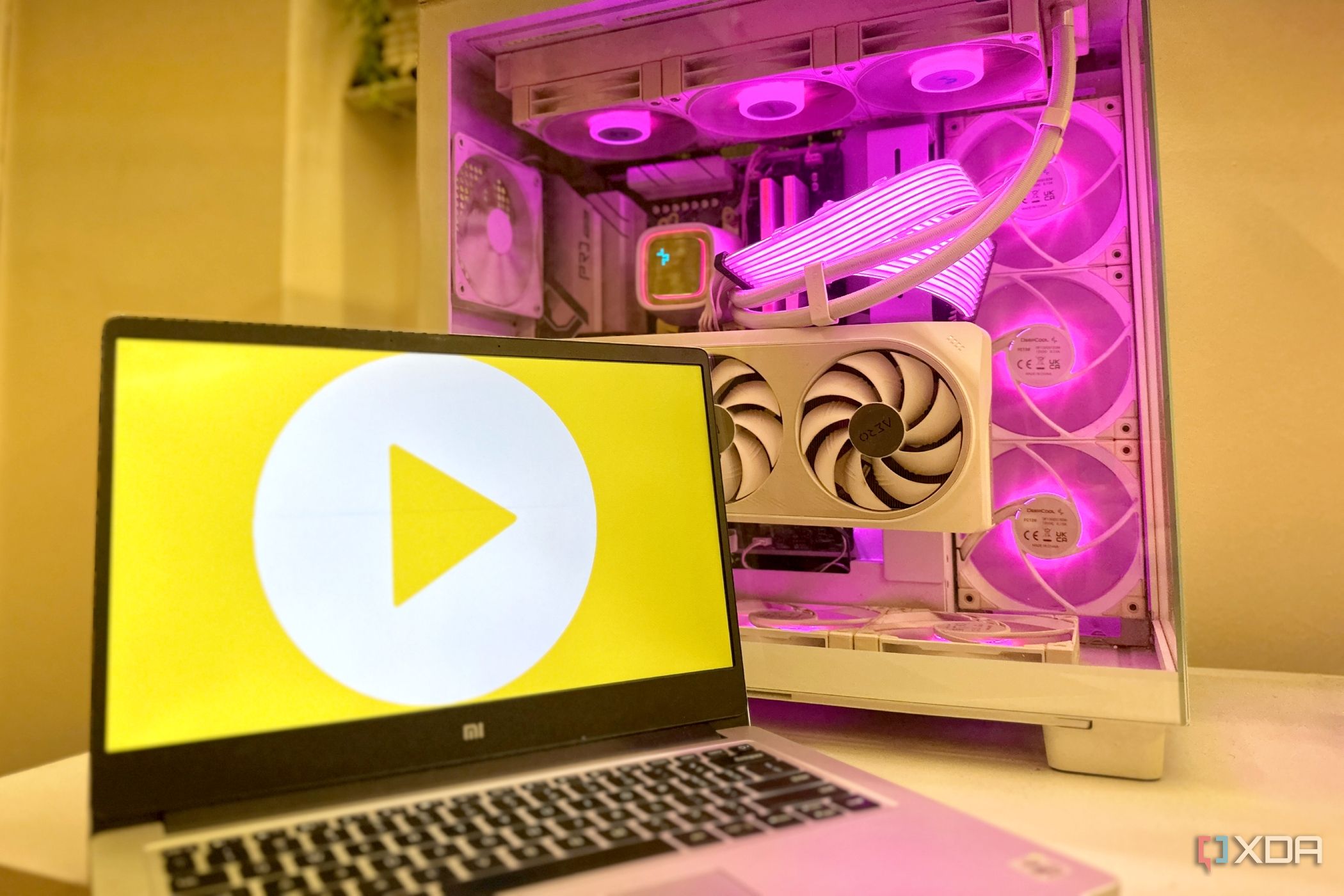
For well over two decades, VLC has genuinely been the undisputed king of media players. It’s free, open-source, and plays practically every single file format I’ve ever thrown at it. That’s why it has rightfully earned a permanent spot on millions of Windows PCs. I truly couldn’t ever have fathomed that I would mention anything other than VLC when asked for a media player recommendation, but that was only until a few months ago. Things changed when I came across PotPlayer and gave it a genuine chance. With PotPlayer, I wasn’t looking to simply experiment for the sake of it over a week or change. Instead, I went in headfirst, living with it day in and day out. Admittedly, I had expected just another codec-packed VLC alternative, but what I instead found was a media player that actively made my daily video watching experience better. Chock-full of fancy new features that only improve everything VLC can do (and then some), PotPlayer has now replaced VLC on my PC, and I don’t see myself going back anytime soon.
Related
After 20 years together, VLC and I are finally breaking up, and it’s because of this app
I might never see the orange cone again
PotPlayer supports live video preview while scrubbing
I’d always wanted this feature in VLC
This is a feature that I’d been avidly waiting to use in VLC, always Googling if the next update would finally make it possible. Every time I dragged the playback bar in VLC, I’d wish for live thumbnail previews like Netflix or any of the countless online streaming services have spoiled me with. With PotPlayer, a simple click of a button enabled this exact feature. It may sound like a tiny convenience, but after years of blindly scrubbing through two-hour movies and long TV episodes on VLC, you’d be surprised by how much more convenient PotPlayer immediately makes your life. Regardless of what scene I’m searching for, I just don’t have to overshoot, rewind, and then try again like I always did in VLC. Seeking through a video is a proper visual experience with PotPlayer, and not a guessing game anymore. It’s a pretty solid quality-of-life feature that simply works. The handful of times I did open VLC again, I was reminded how primitive timeline navigation can feel without any visual previews.
Live subtitles make almost any video accessible
Such a nice party trick to have
There have been countless occasions where I’ve downloaded an older documentary, or a foreign movie, only to realize that there just aren’t any subtitle files available. Even after going through multiple subtitle websites hoping to find something that actually syncs properly, I sometimes fail to find the right SRT file. It’s a rare occurrence, but it’s not like it has never happened. Thankfully, PotPlayer offers a much more convenient alternative through its live subtitle capabilities.
You need a live internet connection to use the auto-subtitle feature in PotPlayer.
With the right speech recognition and translation services configured, PotPlayer can generate captions in real time, or even translate spoken dialogue while the video is playing. It’s definitely not perfect, and such a feature could never beat professionally-created subtitles, but it’s remarkably useful when subtitles just don’t exist in the first place. For me, it’s a neat party trick, and well worth the giggles when I try to live-translate my own gameplay videos recorded with friends.
PotPlayer makes RTX video upscaling genuinely usable
AI upscaling is only useful when it’s easy to access
I have Nvidia’s RTX Video Super Resolution enabled permanently on my desktop, and it sure helps when I’m watching older TV shows or lower-resolution YouTube downloads. Now, on paper, VLC does support the technology, but its implementation is nothing short of inconsistent and a lot less transparent than PotPlayer’s. PotPlayer, on the other hand, has given me far more confidence that the feature is actually working without having to second-guess every setting. In fact, with RTX VSR turned on, I’ve never once run into random black screens or aspect ratio problems like I did when I tried using the upscaling feature in VLC. Apart from simply implementing RTX VSR better and more smoothly, PotPlayer also exposes rendered and hardware acceleration options a lot more clearly. I don’t have to dig through menus wondering whether the GPU is doing its job, because I can simply press play now and enjoy noticeably cleaner image quality on older content, especially home videos. AI upscaling can genuinely improve everything you watch, but for that, you need your media player to get out of the way first, which is where VLC often staggered while PotPlayer has worked flawlessly.
Related
Stop calling it AI slop — upscaling is democratizing high-end gaming for the 99%
Better visuals for those not on the bleeding edge.
PotPlayer treats playlists like something you’ll actually use
Queuing videos shouldn’t feel like an afterthought
Most of us don’t sit down to watch just one video anymore. It could be a full season of a TV show, a folder full of anime episodes, or several podcasts just waiting to be attended to. This is where PotPlayer’s playlist management makes that workflow feel far more intentional than what I’ve experienced with VLC. Instead of behaving like a simple queue, PotPlayer lets me quickly organize folders, rearrange playback order right from the home window, save playlists for later like it’s YouTube, and even move through large collections without constant manual intervention. Plus, it even adds all the videos it finds in the same folder to the playlist without me having to go through two separate menus like I did in VLC to add more videos to the queue. Here’s the thing: I didn’t even think playlists were anything important enough to care about until I started relying on them every day. Now, they’re simply part of how I watch videos. Once you stop manually opening every file one by one, it’s difficult to imagine going back to a player that treats playlists as little more than a basic convenience feature.
The built-in GIF maker has saved me countless downloads
It helps me retain my funny-GIF-king status in the group chat
As someone who writes about technology almost every day, I’m constantly looking for ways to demonstrate features, highlight UI changes, or share funny moments from videos. Before PotPlayer, creating GIFs usually meant opening another application, trimming a clip, exporting it, and hoping the file size wasn’t ridiculous. That workflow is something I’ve bid goodbye to ever since I installed PotPlayer. It supports native GIF creation at the press of a button.
This built-in GIF capture tool lets me select a portion of a video and export an animated GIF in just a few clicks, without ever having to leave the player itself. It’s incredibly straightforward, and because I’m already watching the content, there’s virtually no interruption to my workflow. Even if you don’t use this feature every single day, it’s such a neat party trick that you won’t be able to help yourself from trying it out once you do install PotPlayer. Do it once to share movie scenes with friends, post on social media, or just save memorable or funny gaming moments before pasting that GIF into the group chat.
Related
I replaced three single-purpose apps with VLC’s hidden features, and I haven’t looked back
Our ol’ reliable media player keeps some impressive tricks up its sleeve
There’s a lot more under PotPlayer’s surface, waiting to be discovered
VLC is still incredible, and I don’t think that will ever change, but switching to PotPlayer has absolutely been worth it.
These features I’ve mentioned make for some great party tricks, and they certainly have changed how I watch videos every day. They’ve even changed what I expect from a media player now. If you were to spend a little more time exploring PotPlayer’s settings, though, you’ll keep stumbling across thoughtful little additions that make the experience feel surprisingly polished. Some are aimed at enthusiasts who love tweaking every last setting, while others simply remove small annoyances you never realized had become part of your return. It’s the kind of software that rewards curiosity, and that’s a big reason why it has stayed installed on my PC. Make no mistake — VLC is still an incredible media player, and I don’t think that’ll ever change. It’s one of the greatest open-source success stories in PC software, and I would still happily recommend it to newcomers. But after living with PotPlayer for a while, these everyday conveniences have genuinely spoiled me. I do miss VLC from time to time, yet this is one switch that has absolutely been worth making.
Diterbitkan : 2026-07-04 14:30:00
sumber : www.xda-developers.com