

I replaced my hand-written WireGuard config with NetBird, and gained way more than a GUI
VPNs are one of those networking concepts that feel like magic when they work properly. The fact that two systems on different networks can communicate with one another using a totally private tunnel is still something that blows my mind when it works properly. When it doesn’t, I want to tear what little hair I still have out of my head. My tunnel to my home lab went down while I was away on vacation, and the worst part wasn’t losing access, it was the fact that I had no idea why it happened. I’d built the thing myself: a WireGuard config funneling every remote connection through a VPS in Toronto, and it had been largely dependable until that moment. That outage was the push I needed to implement a proper overlay, something I had wanted to do for a while. I replaced my self-configured system with NetBird, a completely self-hosted secure access platform that was everything I had wanted in a VPN, and then some.
Related
Is Tailscale the safest way to access your home network remotely?
Tailscale is easy to set up, but is that trading off your security?
My WireGuard tunnel was dependable until it wasn’t
I still don’t fully understand why it went down
Credit: Shekhar Vaidya/XDA
A hand-written WireGuard config gives you a lot: a fast tunnel, strong crypto, and a setup you can understand line by line. What it doesn’t give you is a feedback loop. When my link dropped, my entire diagnostic toolkit was “wg show” and inference. Was it a failure at the handshake level? A routing problem on my end? As a new parent with more on my plate than I’ve ever had, I simply didn’t have time to spend hours tracing down the point of failure, and decided to ditch the minimalism and its benefits for a more fully-featured platform. NetBird puts a control plane in front of those same WireGuard tunnels. The actual VPN underneath is exactly the same, but I now have a way to monitor every peer, connection state, link, and everything else I’d need to debug an issue. And this control plane is hosted on my VPS, the same hub used for my original WireGuard configuration.
Related
I built an always‑on VPN gateway with a Raspberry Pi Zero to access my home lab from anywhere
It’s perfect when I want to work on my home lab projects from external networks
The creature comforts are very real and appreciated
I love a CLI but a GUI is very welcome
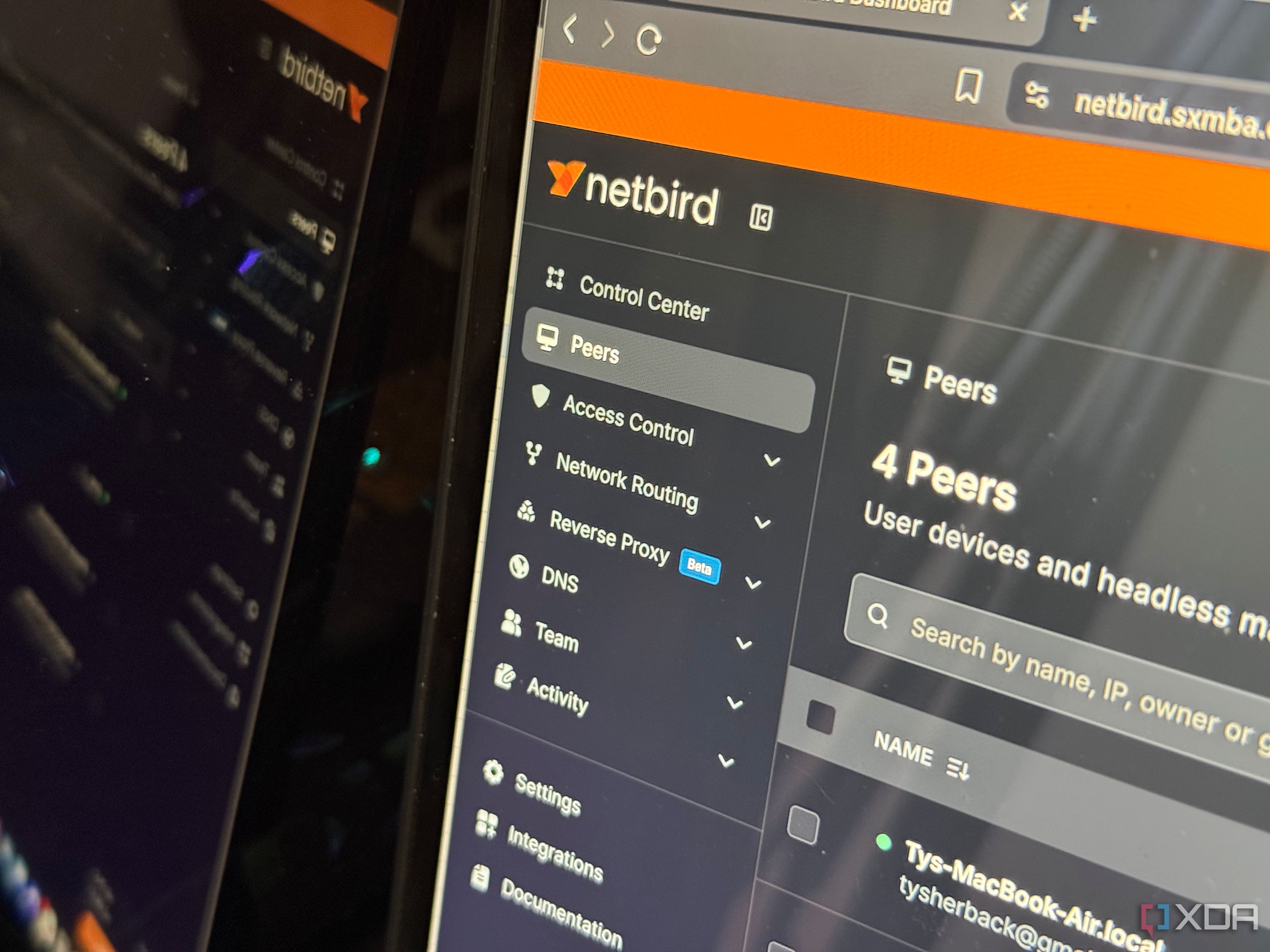
Part of my motivation for switching to an overlay like NetBird was the simplicity. Using a GUI to manage peers instead of manually editing config files every time I add a device is something stock WireGuard can’t do, and it has saved me so much time over the last couple of weeks. Peer and access management from a dashboard made adding a device or changing who can access what a few clicks instead of meticulously changing config files and restarting interfaces. Convenient, yes, but still fundamentally a nicer wrapper around things WireGuard already did. The thing that drew me into NetBird specifically over something like Tailscale self-hosted with Headscale was the reverse proxy features. Having a GUI configurator for setting up a reverse proxy with Traefik is already a plus, but the thing that set NetBird apart specifically was the additional authentication you could add. You expose an internal service to the web with proper TLS, but the real payoff was the ability to add things like SSO, a password, PIN verification, or restricting access to other NetBird peers. This is different from running Tailscale in that you don’t have to use Tailscale Funnel and bring your own authentication measures. It’s all under one roof with NetBird, and that’s something I really appreciated. It’s still technically in beta, but it has worked flawlessly for me thus far.
Related
I reach every service on my home server from anywhere without opening a single port
Accessing your self-hosted services from outside your network doesn’t mean you have to expose a single port
I didn’t really ditch WireGuard
I just put more moving parts on top of it
WireGuard’s entire appeal is that it has almost no moving parts. One kernel module, one flat config file you can audit, version-control, and back up in seconds, and nothing that has to keep running. I’m essentially bolting on a management service, signal service, relay, Traefik reverse proxy, and an identity layer. They’re all under one Docker Compose command, but they’re still all individual services stacked on top.
And if all I truly wanted was to stop hand-editing configs, I didn’t need any of it. wg-easy would have been a fine option for a clean web interface for my existing WireGuard server, complete with key management, QR codes for phones, and easy client creation. For a solo operator this might make a bit more sense, and it’s definitely the more lightweight answer.
Related
I built a WireGuard setup that even my family can use
This setup is easy enough for my non-techie family to use daily
There’s way more functionality here than just a GUI
While wg-easy adds the GUI element, it doesn’t change the topology I was already working with. It doesn’t give me true peer-to-peer connectivity, where NetBird uses ICE and STUN to establish a direct path between devices and only falls back to a relay when a direct connection is impossible. And it has no reverse proxy, which is fine, but NetBird has added some special sauce on top of what I’ve already mentioned that made it worth at least giving it a shot.
The reverse proxy started out HTTP only in version 0.65, which covers web dashboards and APIs but leaves out anything that doesn’t speak HTTP. NetBird has since extended it to Layer 4 in v0.67, so TCP, UDP, and TLS passthrough all get proxied the same way, without the proxy inspecting or terminating what’s inside. This is what would let you, in theory, publish something like a game server or VoIP server. Having access to features like this is what made it worth switching entirely.
Related
5 reasons I dumped Nginx Proxy Manager for Caddy
I’ve made the switch from Nginx Proxy Manager to Caddy, and I’m not looking back.
A hand-built tunnel is good for a couple of peers, but NetBird is better for whole lab access
So no, I really didn’t ditch WireGuard. I just ditched the song and dance of having to manage it through configuration files and troubleshooting with a CLI, which isn’t what I want to be doing when all I want is access. It’s more complex, has more points of failure, and parts of it are still in beta, but it has been pretty much flawless so far.
Diterbitkan : 2026-07-13 20:00:00
sumber : www.xda-developers.com