

I used Claude, ChatGPT, Gemini and Copilot for the same office tasks — here’s the one worth keeping
At this point, pretending you don’t use AI at work is the new pretending you don’t check your phone in meetings. Everyone’s doing it, and we’ve reached the stage where proficiency in AI tools has officially made its way into job descriptions. The debate has officially gone from whether you should use AI in the office for your tasks to which assistant you should be using to get them done. While practically every AI assistant packs more or less the same variations of the same features, they’re all powered by different models. That means you get different answers to the very same prompts. So I ran the same everyday office tasks through the four big names: Claude, ChatGPT, Gemini, and Copilot.
Email writing
Verdict: A split decision
No matter what career you’ve ended up in, there’s no escaping emails. There’s simply no way you can run from drafting the same generic emails, the ones that open with “hope you’re doing well” and close with “best wishes” while carrying a single sentence of actual content in between. You also can’t really escape needing to go through your overflowing email address filled with newsletters you never read, threads you were CC’d on for no reason, and the three genuinely important messages buried somewhere in the middle. Between writing the things and digging through them, email is the most universal office task there. Coincidentally, it’s also the task where most people’s perception of AI ends, since that’s usually the first (and often the only) thing they’ve asked an assistant to do. To put this to the test, I asked each assistant to draft two emails. The first email was a heads-up to an editor that the two presentations due on Friday were going to land a few days late. This is the prompt I used:
Write a short email to my editor letting them know the two presentations due Friday will be a few days late. I don’t want to over-apologize or make excuses. Just be straightforward, professional, and human.
The second email was a follow-up you have to send when someone’s sat on your request for a week, and you need the information to move, but you can’t afford to sound annoyed. Here’s the exact prompt I used for that one:
Write a follow-up email to a colleague who hasn’t responded to my request from last week. I need the information to move forward, so I want to nudge them, but I don’t want to come across as passive-aggressive or annoyed. Keep it short, professional, and human.
While I’ve admittedly never paid much attention to how emails written by LLMs differ, since I prefer to handle the writing part myself, the results here were interesting. For the first email, Claude was the clear winner. It was the only LLM that gave a clear reason for the delay without excessively apologizing for it, and reframed a late deliverable as a deliberate call.
Rather than ending with a vague “I’ll have the presentations in ASAP,” Claude committed to a specific day, offered a clean out in case the timing caused problems, and skipped the reflexive glazing at the beginning and end of the email. Copilot and ChatGPT both had the weakest emails here. Both emails were extremely generic, didn’t give a new deadline, and just felt very…robotic. Gemini landed in the middle, and my only complaint was that the email had a faint corporate stiffness to it. The second email flipped the whole thing on its head. On the nudge, ChatGPT and Copilot landed in nearly the same spot, and this time they were the ones that got it right. Both kept it short, both stated the ask plainly, and neither one apologized for following up (which I appreciated). Copilot edged ahead by a hair, mostly because it resisted the urge to pad the request. It said what it needed, gave a reason, and got out! Claude, my winner from the first round, slipped to the middle here. Its email was warmer and more human than the other two. And while that’s typically a good thing, on a nudge it worked against it. Gemini, similar to the above, was…meh. The email read a bit passive-aggressive, but it was neither bad nor good. All in all, there wasn’t really a clean sweep here. It likely all comes down to the tone you’re looking for, and how much work you’re willing to put into the prompt. I kept mine deliberately bare because I wanted to see what each assistant assumed when left to its own devices. Feed any of them a paragraph of your actual writing and a few lines on the situation, and the gaps here would probably close.
Slide Decks
Verdict: Gemini
As with emails, creating and presenting slide decks is a task that’s practically part of every job description in some way or another. Unlike email writing, though, this is a task I’ve used AI extensively for myself, and I’ve gotten fairly good at creating them. For this test, I gave each assistant some notes and asked for them to be turned into a slide deck of 6–7 slides for an internal team meeting. I specified a few things I wanted, like a clear title slide, one main idea per slide, and a closing slide with clear next steps. Here’s the exact prompt I used:
Turn the following notes into a slide deck (6–7 slides) for an internal team meeting. I want a clear title slide, one main idea per slide, concise speaker-ready bullet points (not paragraphs), a logical flow from context to recommendation, and a closing slide with clear next steps. Keep the tone professional but not stiff. Notes:
– Customer support team is overwhelmed: ticket volume up 40% year over year, average response time has slipped from 6 hours to 19 hours
– Root causes: headcount flat since last year, a spike in repeat questions about the new billing system, no self-serve help center
– Impact: customer satisfaction (CSAT) dropped from 88% to 72%; three enterprise clients flagged slow support in renewal calls
– Proposed fixes: build a self-serve knowledge base, add two support hires, set up an AI chatbot for tier-1 questions
– Projected outcome: cut response time back under 8 hours within two quarters, recover CSAT to mid-80s
– Budget needed: roughly $180k for the year (headcount + tooling)
– The ask: approval to start hiring this quarter and greenlight the knowledge base build
Gemini ended up generating the best slides, and was also the quickest at doing so. It chose a “B2B aesthetic” in its own words, and the deck struck the perfect balance of professional and visual. It didn’t have walls of text — it had a consistent layout, relevant images, and bullet points, and just felt like something you could actually present. Claude’s presentation, though I found it aesthetically appealing, didn’t feel fitting for a professional meeting. The writing felt very metaphor-forward, and it contained no images. I’ve relied on Claude exclusively for my slide decks for months now, and I would’ve instantly used this deck if it were for a college assignment. However, for the purpose of a stakeholder-facing business meeting, Claude’s output wasn’t quite there and needed some tweaking. ChatGPT’s output felt like a mix of Claude and Gemini’s. It was the most structured of the three and wasn’t excessively colorful. Similar to Claude, though, this deck leaned on a lot of metaphor-forward phrasing, which isn’t something I’d want in a professional deck. Copilot, at least on the web version, simply refused to make a deck at all. It handed me a tidy outline, and that’s it. While I do technically have the option to go to PowerPoint and generate the actual slides there, that rather defeats the purpose of this test. I wanted to see what each assistant could do from the same web chat window everyone opens in a browser tab!
Basic Accounting
Verdict: ChatGPT
The next task I decided to test each assistant on was some basic accounting. I gave each one the same messy list of business expenses for the month. The list I gave was deliberately messy, with dates in five different formats, a couple of amounts missing their dollar signs, and one sneaky duplicate hiding in plain sight. I then asked them to organize it into a clean spreadsheet, total the spending by category, flag anything over budget, and give me a short summary of where the money went. ChatGPT, Claude, and Gemini generated downloadable sheets which I could open in Excel and Sheets. ChatGPT and Claude both used formulas like SUMIF and IF, meaning that the totals and budget flags weren’t numbers the model had typed in and were live calculations. Ultimately, I could change a transaction, add a row, fix a typo, and everything would recalculate on its own. Gemini seemed to have done the calculations beforehand and hardcoded the results straight into the cells.
Related
I tried Gemini, ChatGPT, and Copilot for a month and I have a clear winner for you
Don’t buy the hype.
All three of these tools had calculated the totals accurately, though ChatGPT was the only one to visibly flag the planted trap (the duplicate). It added a column that marked the expense as a Potential duplicate and left a note that both were included, but the repeat was flagged for review. ChatGPT’s sheet was also a lot more visually catchy, and included a chart to reflect the actual spend vs budget. Copilot, unfortunately, disappointed me here too. Just like with the slide deck, the web version wouldn’t produce an actual file. It handed me a tidy table right there in the chat, complete with emoji headers and an offer to “create a visual chart,” but nothing I could open in Excel. And when I actually checked its arithmetic, it had gotten the Travel total wrong: $1,176.90 instead of $1,175.90.
Connectors/workspace integration
Verdict: Anyone but Copilot
While AI within the workspace was once limited to a chat box you’d copy things out of and paste your results back into, that’s no longer where it ends. The assistants have crept out of the sidebar and into the tools themselves. So I also wanted to test how well each assistant can plug into the tools I use daily. I use Google Workspace, and I wanted to keep this test as realistic as possible, so I connected each assistant to my Gmail and Google Calendar via the Connectors/Plugins page in each tool.
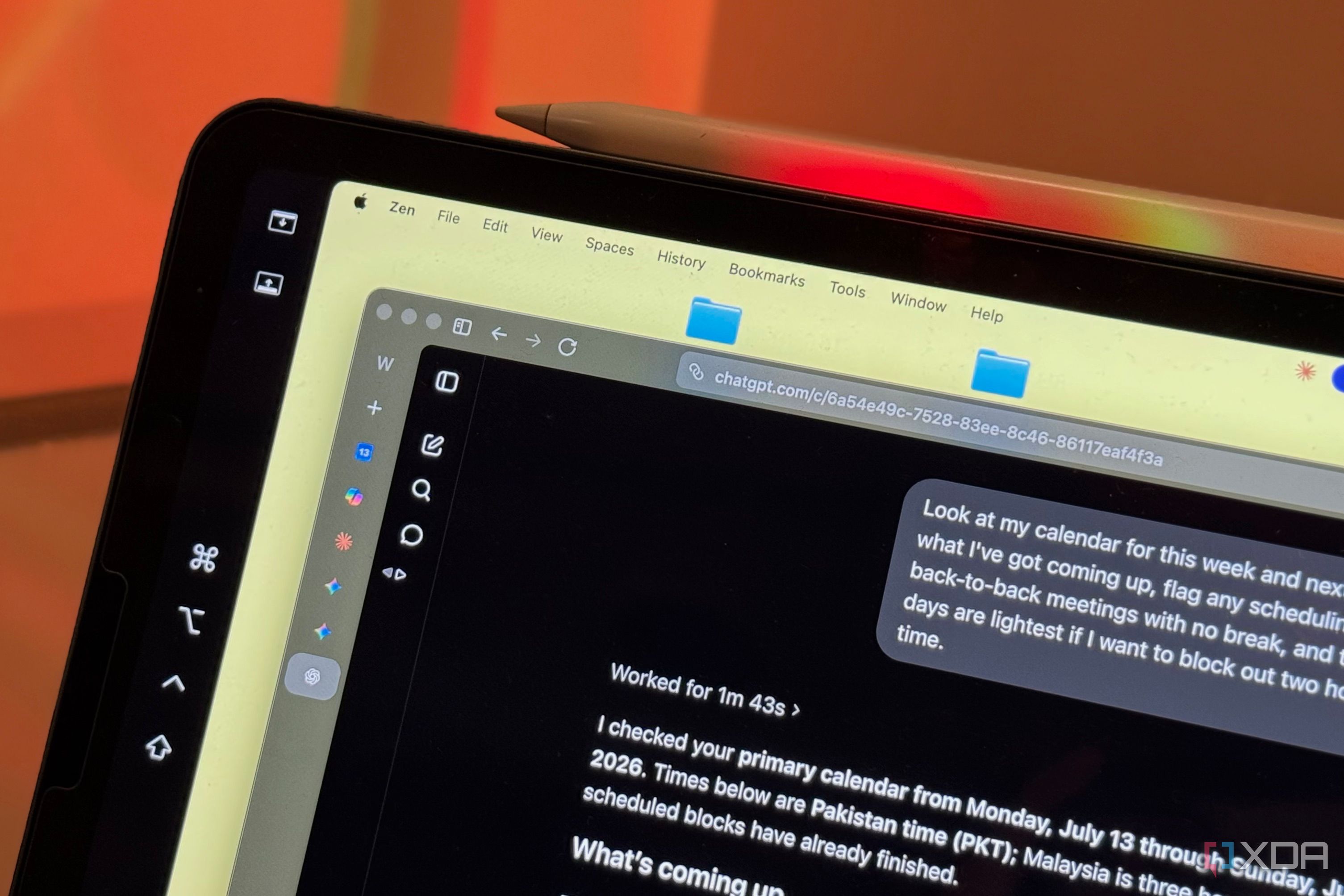
For the first part of the test, I asked each assistant to go through my email and tell me which messages still needed a reply from me. I asked each one for the sender, what they were waiting on, and how urgent it was, and then to draft a response to whatever was most time-sensitive. Gemini and ChatGPT had the best results here, and both had me stop what I was doing to respond to the emails they surfaced. Gemini found an email from an airline customer support team that was waiting for a document from my end, and ChatGPT found an extremely time-sensitive email from a media contact. Claude’s result was good too, and it surfaced a few different emails. The most time-sensitive one it flagged was from an embassy, but it didn’t really warrant a reply or need anything from me (whereas the ones ChatGPT and Gemini surfaced did). Copilot disappointed me again, surfacing an email I’d received a few hours ago — the kind I wouldn’t have responded to even if I had a week to spare. It was a low-priority promotional email. I then tested how each tool handles the Google Calendar integration. I have a busy week ahead with an international flight scheduled, plus a meeting that ends the same afternoon I’m due to fly out. Copilot, somehow, missed this. The flight was blocked out on my calendar, and every other assistant caught it. However, Copilot walked right past the one conflict that actually mattered. What it did surface was a lot of noise: minor overlaps, a gym slot brushing against a busy block, a meeting with no commute buffer, and so on. Claude, ChatGPT, and Gemini all had more or less the same results, and managed to find good windows in a crowded week. All three correctly spotted the flight and the tight turnaround around it, worked around my recurring commitments, and pointed me to the one realistic stretch of focus time I had before travel.
ChatGPT is the best all-rounder
I’ve spent a lot of time in the last few months trying to get people to use AI tools beyond ChatGPT. The reason has always been because I’ve found people’s perception of AI begins and ends at “just GPT it.” Well, this test made me eat a little of that. Having run the same office tasks through all of them, ChatGPT turned out to be the most reliable all-rounder. Claude and Gemini are more or less tied, and Copilot unfortunately just let me down.
Diterbitkan : 2026-07-14 10:00:00
sumber : www.xda-developers.com