
The CPU and GPU pairing mistake that wastes real performance on a $1,500 gaming PC
The $1,500 budget has always been the sweet spot for a reasonably high-end gaming PC, making it possible to pick a $700–$800 GPU without sacrificing any other aspect of the build. In the last eight months, however, the mathematics of the $1,500 gaming build has changed drastically, simply due to all-time-high RAM and SSD prices. It seems that when gamers were finally able to afford the latest GPUs at reasonable prices, the memory and storage price hikes killed all their upgrade dreams. If you’re tired of waiting, though, and want to build a new gaming PC right now, you need to be doubly sure that you don’t end up with a lopsided build. I’m talking about the CPU here, and how many gamers overemphasize its importance at the expense of the graphics card. They’ll excitedly buy a Ryzen X3D processor for the “best gaming performance,” but sacrifice their overall FPS, thanks to a weak GPU. If your budget is hard-locked to $1,500–$1,600, you should realize that the GPU remains the most important component for high-resolution gaming.
Related
PC hardware prices aren’t coming down, but that’s exactly why you should build your PC right now
RAM prices are about to go interstellar, so build a PC while you still can
AM4 will save you money in this market, but beware of spending too much on the CPU
X3D isn’t a silver bullet
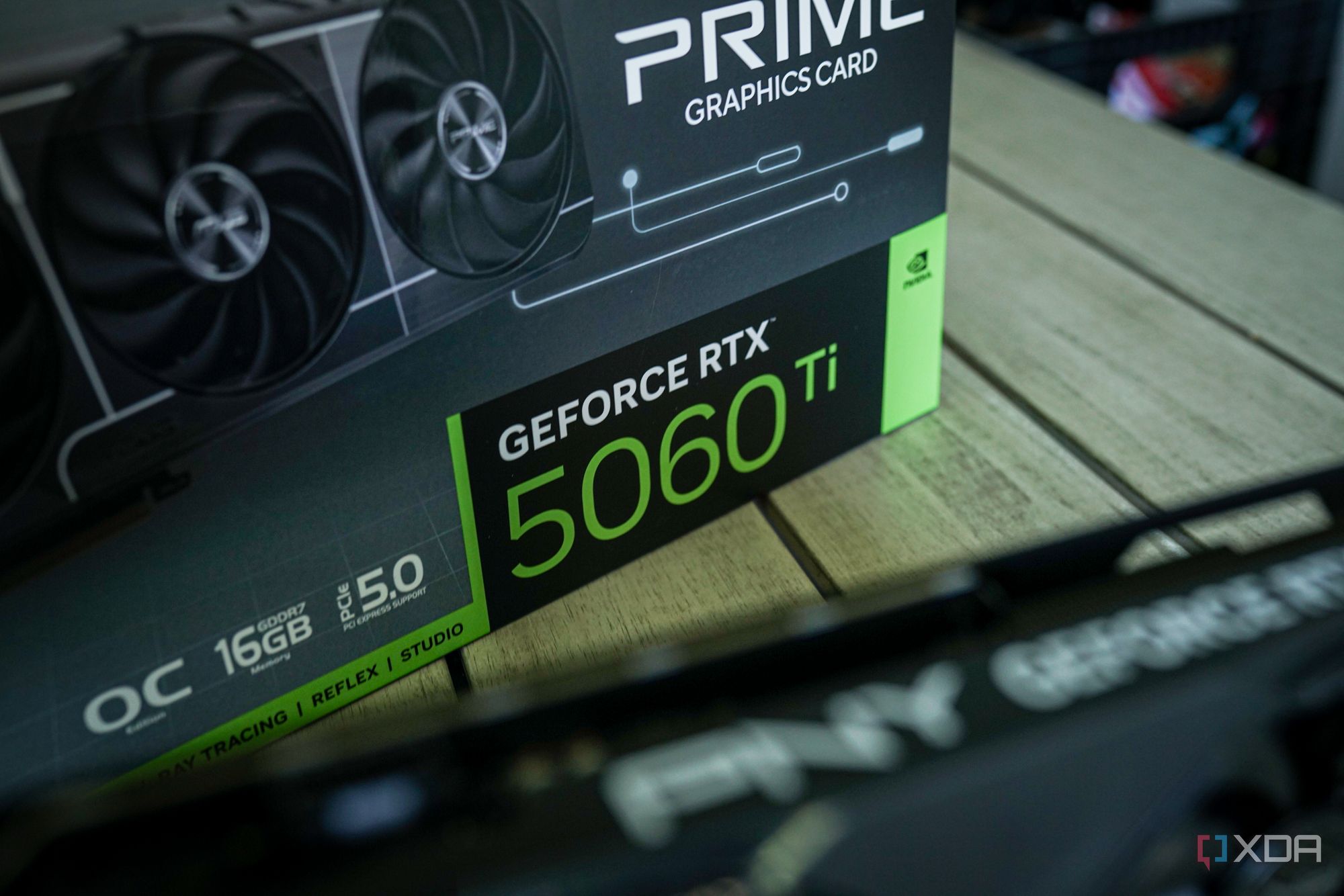
DDR5 memory went from a mere $100 for a 32GB kit of 6,000 MT/s RAM to a whopping $400 and change. The same $1,500 build became a $1,800 one in a span of a few months. However, if you had a strict budget, you had to cut corners elsewhere, and the CPU and GPU were the only areas that would make a sizable difference to the budget. Some gamers are even choosing to build on the older AM4 platform to bypass the DDR5 memory pricing altogether. DDR4 RAM has also seen price hikes, but it still costs about half of an equivalent DDR5 kit. If you’re in the same boat, you might be tempted to pick the recently relaunched Ryzen 7 5800X3D to enjoy the best of what AM4 has to offer. The catch is that this new 5800X3D still isn’t a cheap CPU — it costs $349, cooler not included. Accounting for a $100 motherboard, $230 DDR4-3600 32GB kit, $175 Gen4 NVMe 1TB SSD, and the rest of the components, you’re left with about $450 for the graphics card. Gamers in this situation will be forced to pick a GPU like the RX 9060 XT 16GB to keep everything within the $1,500 budget. Alternatively, you could choose the RTX 5060 Ti 16GB for around $100 more, stretching the budget to approximately $1,600. The problem with this build is that it doesn’t bode well for high-end 1440p gaming, even with the mighty Ryzen 7 5800X3D onboard. The RTX 5060 Ti is not only poor value for around $560–$590, but it will struggle in the latest titles, despite the generous 16GB framebuffer. You’re simply not getting the most for your $1,500–$1,600 budget. The clear improvement over this pairing would be the $165 Ryzen 5 5600X and the $690 RX 9070 XT for a total build cost of around $1,550. The RX 9070 XT is a monster of a GPU, capable of not only high-end 1440p, but also 4K gaming. You could even save some money by dropping to the RX 9070 or RTX 5070, and still enjoy significantly better performance compared to the RX 9060 XT or RTX 5060 Ti build. AMD also launched the Ryzen 5 5600X3D, but it’s only available from Micro Center in the US. If you can grab one, that would be a better pairing with a high-end GPU, but even without it, spending more on the GPU for a 1440p/4K gaming rig is a no-brainer.
Related
4 scenarios where a Ryzen X3D CPU might be the worst choice
Despite the fame, Ryzen X3D CPUs might be a bad investment for you
AM5 will cost you more, but you still shouldn’t sacrifice GPU performance
Avoid pairing an X3D chip with a budget GPU
Building on a dead platform has its challenges, so many gamers will be ready to brave the higher pricing of AM5 for a build they can upgrade in the future. On AM5, even if you pick the “cheaper” Ryzen 7 7800X3D to access AMD’s 3D V-Cache technology, you’re still looking at a damage of around $360. Combined with a $150 B650 motherboard, $415 DDR5-6000 32GB kit, $175 Gen4 NVMe 1TB SSD, and the rest of the parts, you can only afford a $350 RTX 5060 Ti 8GB or RX 9060 XT 8GB, and you’d still exceed the budget by $100. I don’t need to tell you how bad the CPU and GPU pairing will be on such a build. The Ryzen X3D processors can only show their prowess when paired with high-end GPUs. With a mid-range or budget card, the 7800X3D will perform identically to a 7600X. Besides, an 8GB VRAM GPU on a $1,600 build is a non-starter. You should pick the $166 Ryzen 5 7600X and the $580 RX 9070 to craft a way stronger build for just over $1,600. The RX 9070 is almost 50% faster than the RX 9060 XT, and the 16GB VRAM ensures you can realistically run modern titles at 1440p and even 4K resolutions. Skipping the X3D processor in favor of the 6-core Zen 4 chip ensures you get more performance out of the same budget. The Ryzen 7 7800X3D is a great chip, but you’ll have to pair it with a way more expensive GPU to truly extract the performance it’s famous for.
Brand
AMD
CPU Model
5 7600X
Cores
6
Threads
12
Architecture
Zen 4
AMD’s new entry-level chip is actually its best for gaming with incredible single-core performance and an attractive price tag to boot.
Related
AMD’s X3D CPUs only help with two things, and most gamers have neither
3D V-Cache isn’t a reason to buy blindly.
The CPU matters, even for 4K gaming, but don’t give it undue importance
A gaming build is still mostly about the GPU
Your CPU isn’t irrelevant at higher resolutions like 1440p and 4K, but it shouldn’t be the focal point when configuring a build. Even at 4K, your CPU determines the maximum framerate you can achieve with all the GPU power you have. When using upscaling, the role of the CPU becomes more important, ensuring you can actually achieve the higher framerates you desire by lowering the graphical settings. However, this doesn’t mean you should overspend on the CPU by buying an expensive Ryzen X3D CPU when you don’t have the proper GPU to pair it with. Without an RTX 5080 or RTX 5090, your Ryzen 7 9800X3D or 7800X3D will perform just like a Ryzen 5 7600X. The 1% lows with an X3D chip will be higher, but your gaming experience certainly won’t feel largely different.
The GPU remains the most important component for maximizing performance per dollar when building a gaming PC. If you intend to run productivity programs on your PC, then the CPU deserves more of your budget. On a pure gaming build, though, it should always be about the graphics card first. A 6-core Ryzen CPU (AM4 or AM5) paired with an upper-mid-range GPU like the RX 9070 XT is currently the best formula for extracting the most frames out of a $1,500–$1,600 build.
Related
Does your CPU matter for 4K gaming? The answer might surprise you.
CPUs apparently don’t matter as much at 4K resolution. But there are many cases where a high-end CPU will deliver better gaming performance.
$1,500 doesn’t get you a top-end PC anymore, but the GPU should still be your focus
Nine months ago, you could have built an AM5 gaming PC with the RTX 5070 Ti for $1,500, but today you have to settle for the RX 9070. It doesn’t seem fair, but that’s what gamers have to work with in the current market. If you’re wondering whether to pick a Ryzen X3D CPU in this budget, think again. Picking a cheaper AM4 or AM5 chip will allow you to buy a significantly faster GPU, which will provide you with a real FPS boost in most titles.
Diterbitkan : 2026-07-10 18:00:00
sumber : www.xda-developers.com